 Whozta
 Insights · 11 min read
Salesforce Contact Enrichment: A Working Implementation Guide
Discover how Salesforce contact enrichment can streamline data accuracy, enhance lead quality, and empower your sales team with complete records.

Salesforce contact enrichment means automatically filling in missing or outdated Lead, Contact, and Account fields, like direct dials, verified emails, titles, and LinkedIn URLs, using native tools or a third-party data source. The recommended approach for most orgs combines Salesforce’s native automation with a vetted external provider through the API, gated by validation rules and confidence thresholds. This benefits admins, data managers, and sales ops leaders who need routing and reporting to run on trustworthy data. The steps below cover Flows, field mapping, and re-enrichment cadence.
TL;DR:
- Third-party enrichment provides broader coverage of contact details like verified emails, direct dials, and social profiles, which native tools often lack.
- Conduct small pilot tests with 100-200 records to measure match rate and field accuracy before scaling enrichment efforts organization-wide.
- Use a combination of real-time enrichment for new leads and batch enrichment for existing records, ensuring data freshness without excessive API costs.
- Implement governance rules such as confidence thresholds and validation gates to prevent low-quality data from automating into your database.
- Focus on enriching only key fields and run deduplication before enrichment to avoid conflicting data and reduce API costs.
Table of Contents
- What Salesforce Contact Enrichment Actually Does
- Native Automation, API Integration, or Managed Enrichment: Which Fits Your Org?
- Building the Enrichment Workflow: Flows, Mapping, and Validation
- Real-Time Enrichment vs. Batch Enrichment: When to Use Each
- Setting Governance Rules Before You Automate Writes
- How to Measure Whether Enrichment Is Working
- Where Whozta Fits Into the Enrichment Stack
- What Most Rollouts Get Wrong
- Get Started With Whozta for Salesforce Enrichment
- Where to Learn More
- Sources
What Salesforce Contact Enrichment Actually Does
Contact enrichment fills gaps in Lead, Contact, and Account records with data pulled from an external source, then writes it back into fields your sales team already relies on. Lead enrichment solutions typically target phone numbers, verified emails, job titles, company size, and social profiles. The goal is a complete record the moment a rep opens it, not three days later after manual research.
Salesforce ships several native capabilities worth knowing before you buy anything external. Data Pipelines lets admins transform and enrich data at scale without standing up a separate ELT system, according to Salesforce’s release notes. Automatic Contact Enhancements infers attributes like department and seniority from email activity, though it focuses on inference rather than pulling in fresh third-party contact details, per Salesforce Help. Native Duplicate Management and data integration tools help you fold outside data into existing records without creating a mess, as Salesforce recommends.
Why bother with any of this? Because bad contact data cascades. A wrong email bounces, a missing title misroutes a lead to the wrong queue, and a stale phone number wastes an SDR’s afternoon. Native tools handle attribute inference well but rarely deliver the coverage depth that broader lead enrichment solutions provide.
- Native Salesforce tools work best for structured, low-risk enhancements.
- Third-party enrichment fills coverage gaps native tools weren’t built to close.
- Coverage always involves a trade-off between data breadth and per-record cost.
One more thing before you build anything: contact data crosses jurisdictional lines quickly. Check with your legal or compliance team about country-specific consent and data-handling rules before you turn on automated writes.
Native Automation, API Integration, or Managed Enrichment: Which Fits Your Org?
Three practical paths exist, and the right one depends on your team’s technical depth, budget, and how much contact information accuracy actually matters to your revenue motion.
Native automation suits orgs that already lean on Data Pipelines and Automatic Contact Enhancements and don’t need broad external coverage. It’s the lowest-cost option and the easiest to govern, but it inherits Salesforce’s own data limits. Direct API integration with a third-party provider suits teams with admin or developer resources who want control over field mapping, batching, and confidence logic. Managed package enrichment suits teams that want a packaged experience with less configuration, trading some flexibility for faster time-to-value.

Coverage strategy matters as much as the delivery method. A single-source setup is simpler to govern but leaves gaps when that provider lacks a record. A waterfall approach, querying a primary source and falling back to a secondary one, improves match rates but adds cost and complexity per lookup.
Before committing to any path, run it against a selection checklist:
- Does the provider support field mapping into Lead, Contact, and Account objects natively?
- Does it offer dedupe logic, or will you need separate deduplication tooling?
- Does it return a confidence score per field, not just per record?
- Can you schedule re-enrichment, or is it a one-time lookup?
- What are the API throughput limits, and do they fit your batch volumes?
Pilot small before you commit. Take 100 to 200 existing Contact records with known gaps, run them through the candidate provider, and compare match rate and field accuracy against what you already have. That single test tells you more about salesforce data quality outcomes than any vendor sales deck.
Building the Enrichment Workflow: Flows, Mapping, and Validation
Once you’ve picked a path, the build itself follows a fairly predictable sequence. Skip a step here and you’ll spend weeks cleaning up bad writes later.
- Set up access first. If you’re installing a managed package, confirm it has the object permissions it needs on Lead, Contact, and Account. If you’re calling an API directly, store the key in a Named Credential, never hardcoded in a Flow or Apex class.
- Build Record-Triggered Flows for the moments that matter. Trigger enrichment on Lead creation, and trigger it again on lead conversion, since a converted Contact often needs a fresh look even if the original Lead was enriched days earlier. Use asynchronous paths (Flow’s “Run Asynchronously” path or a queued Apex job) for anything calling an external API, so you’re not blocking the save transaction while the response comes back.
- Map fields deliberately, not automatically. Person-level data (email, phone, title, LinkedIn URL) maps to Lead or Contact. Company-level data (industry, headcount, revenue band) maps to Account. Add custom fields to track enrichment quality: EnrichmentConfidence (a number field, 0 to 100) and Last_Enriched_Date__c (a date field) so you always know how fresh a record is and how much to trust it.
- Write validation rules that gate low-confidence writes. A simple pattern: if
EnrichmentConfidence < 70, route the update to a review queue instead of writing directly to the record. Trailhead’s data quality guidance backs this pattern directly, recommending validation rules that enforce formats and required data rather than accepting every incoming value. - Merge before you enrich, not after. Running enrichment against duplicate records multiplies your API cost and creates conflicting data across near-duplicate Contacts. Use native Duplicate Management rules, plus fuzzy matching on name and domain where exact matching misses variants like “Bob” versus “Robert.”
- Handle governor limits explicitly. Batch your API calls, respect the provider’s rate limits, and build retry logic with exponential backoff for failed calls. Log every failure to a custom object so nothing silently disappears.
Pro Tip: Set your confidence threshold higher for fields that feed automated workflows (like lead routing) than for fields humans review manually. A wrong phone number a rep double-checks is a minor annoyance; a wrong phone number that triggers an auto-dial sequence is a real problem.
Real-Time Enrichment vs. Batch Enrichment: When to Use Each
Real-time enrichment fires the moment a Lead comes in, typically from a form fill or a chat conversion, so a rep sees a complete record within seconds of the lead landing in the queue. Batch enrichment runs on a schedule against records already sitting in your database, cleaning up records that have gone stale or that were created before enrichment was turned on.
The two patterns serve different needs, and most orgs end up running both:
- Real-time enrichment for every new inbound lead, triggered at record creation.
- Daily or weekly batch passes on active pipeline records, since deal-stage Contacts change roles and companies often.
- Quarterly full-database passes to catch anything that slipped through, following a rough 90-day staleness rule for records still marked active.
Hybrid setups tend to win because they balance API cost against freshness. Running real-time enrichment on every Contact in your database would burn through API allocations fast; reserving batch passes for lower-priority segments keeps costs predictable. One design detail matters more than people expect: never make the enrichment call synchronous with form submission. If the provider’s API is slow, you’ve just added lag to your website’s lead capture form, which is the last place you want friction.
Setting Governance Rules Before You Automate Writes
Enrichment without governance just automates bad data faster. Before turning on any automated write, define your minimum viable fields, the handful of fields your GTM motion actually depends on, and require them where they’re business-critical rather than trying to enrich everything at once.
A few governance moves matter most:
- Normalize incoming picklist values so “VP” and “Vice President” don’t create two versions of the same title.
- Route low-confidence matches to a review queue instead of writing them directly to production records.
- Build a dashboard tracking match rate, freshness (via Last_Enriched_Date__c), and duplicate rate over time.
- Log every enrichment attempt, success or failure, to support reconciliation later.
Trailhead frames this as a full operational cycle: profile, clean, enrich, unify, and monitor, not a one-time cleanup project. Skipping the “monitor” step is the most common failure mode. Teams turn on enrichment, watch match rates spike for a month, then never check again as data drifts.
One statistic worth internalizing: Trailhead’s own data quality curriculum treats field-level validation rules, not just record-level checks, as the primary lever for enforcing required formats and mandatory data across an org. Field-by-field gating, not blanket record approval, is where the real quality control happens.

How to Measure Whether Enrichment Is Working
Match rate per field is your first metric. It tells you what percentage of records actually received a value for phone, email, title, or company size, broken out separately, since aggregate match rate hides which fields are underperforming.
Track these alongside it:
- Enrichment coverage (percentage of your database touched by enrichment at all).
- Freshness (average days since Last_Enriched_Date__c across active records).
- Duplicate rate before and after enrichment runs.
- Conversion lift on enriched versus non-enriched cohorts.
Run a simple before/after test: hold out a control segment of new Leads that skip enrichment for a few weeks, compare their conversion and response rates against the enriched cohort. A few hundred records per side gives you a readable signal without waiting months.
For ROI, build a basic model around three inputs: hours of manual research saved per rep per week, the deliverability lift from verified emails (bounce rate reduction), and the speed gain from faster lead routing. Report these numbers monthly, with RevOps or the data manager owning the dashboard.
Where Whozta Fits Into the Enrichment Stack
Whozta’s role in this workflow is straightforward: it’s the third-party contact discovery and verification layer that native Salesforce tools don’t fully replace. You can connect it three ways, depending on your setup:
- Direct API integration, called from a Record-Triggered Flow or Apex, for teams that want full control over batching and field logic.
- Middleware (MuleSoft, a native connector, or a workflow tool) for teams that prefer configuration over code.
- A managed package for the fastest setup with the least custom development.
Whozta returns verification metadata alongside contact data, including a confidence score and evidence links back to the source page, which is exactly what you need to build the gating rule from the implementation checklist above. Suggested field mappings: WhoztaConfidence (number, 0 to 100), VerifiedEmail (email), DirectDial (phone), and LinkedIn_URL__c (URL), each written only when confidence clears your threshold.
Smaller teams running individual lookups get value fast; higher-volume sales and recruiting orgs benefit more from batch API calls tied to a scheduled Flow.
What Most Rollouts Get Wrong
Three mistakes sink most enrichment projects: enriching every field instead of the handful that matter, skipping dedupe before enrichment runs, and forgetting confidence gating entirely. I’d prioritize a 30/60/90 rollout: days 1 to 30, define minimum viable fields and dedupe rules; days 30 to 60, build the Flow and gating logic on a pilot segment; days 60 to 90, expand to the full database and stand up a monitoring dashboard.
One org I’ve seen described in case studies significantly improved their complete-contact rate within a quarter, purely by gating writes on confidence score before scaling volume.
— Nico
Get Started With Whozta for Salesforce Enrichment
If you’ve read this far, you already know native Salesforce tools cover attribute inference and internal cleanup well but leave real gaps in external contact coverage. Whozta is built specifically for that gap: an API-based B2B contact discovery tool that returns verified emails, direct dials, and social profiles with evidence links you can check before trusting a write.
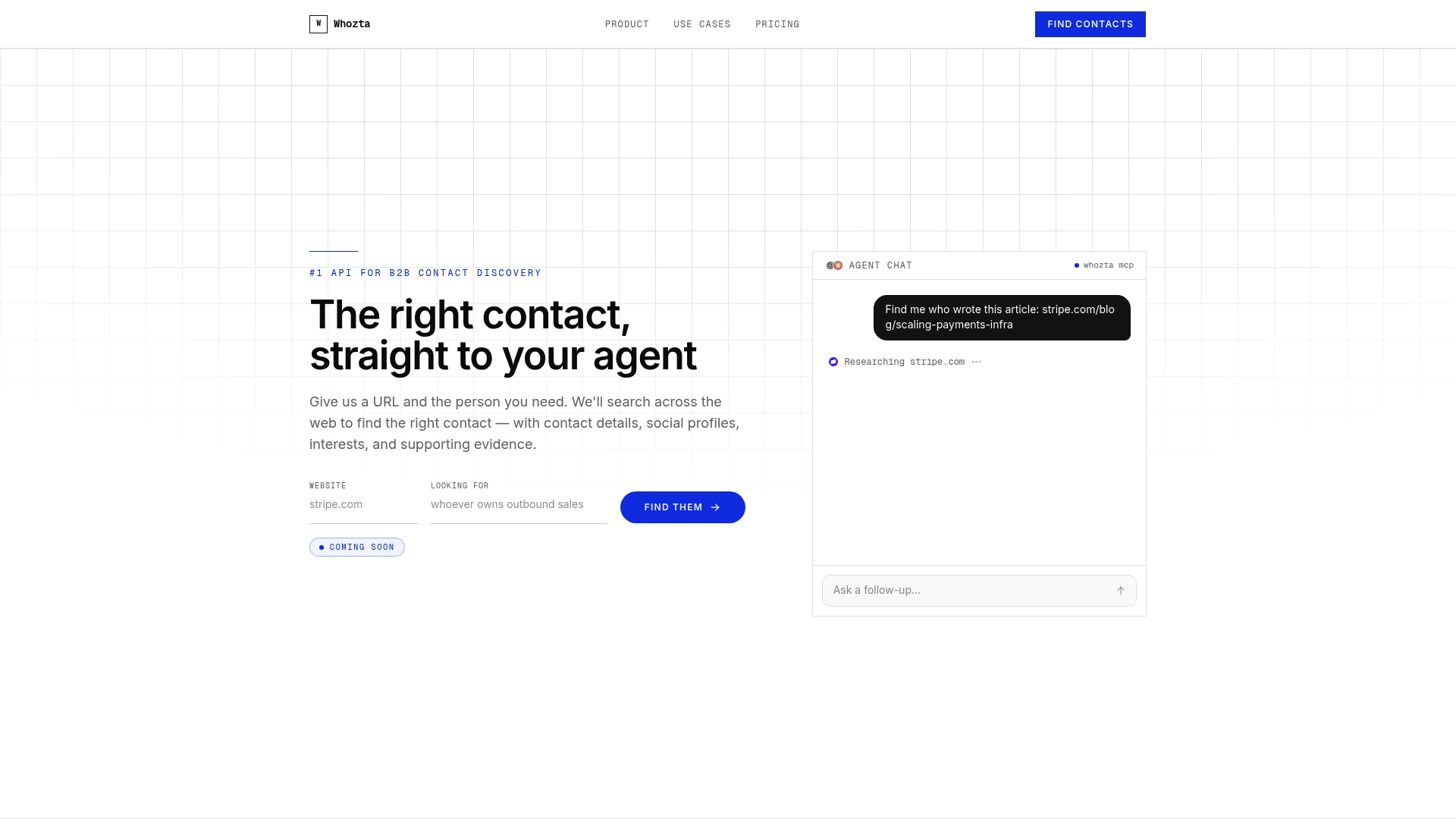
Starting is simple. Sign up, run a test batch of 30 lookups against real Contact records you already have, and compare the returned confidence scores against what you’d expect. From there, configure a Record-Triggered Flow that writes VerifiedEmail and WhoztaConfidence only when the score clears your threshold, the exact gating pattern covered above. Try Whozta and see your own match rate before rolling it out org-wide.
Where to Learn More
For deeper implementation detail, follow up with Trailhead’s data quality fundamentals trail, the assess your data module, and Salesforce’s trust and security resources. Always confirm country-specific data rules with your own legal or compliance team.